Your music,
on tape.
Audionix turns the folders of MP3s, FLACs and other audio files on your Android phone into a real cassette deck — insert, eject, and flick through your library like it's a shelf of tapes. No account, no ads, no analytics.
Available now on Android, with the full deck: local library, mixtapes, 10-band EQ and internet radio. iOS is coming soon, with internet radio only.
Drag, swipe or use the ← → keys. Demo titles are illustrative.
Everything a deck should do. Nothing it shouldn't.
Audionix is built around one idea: the music you already own deserves an interface as tactile as the format it grew up on.
Local Library
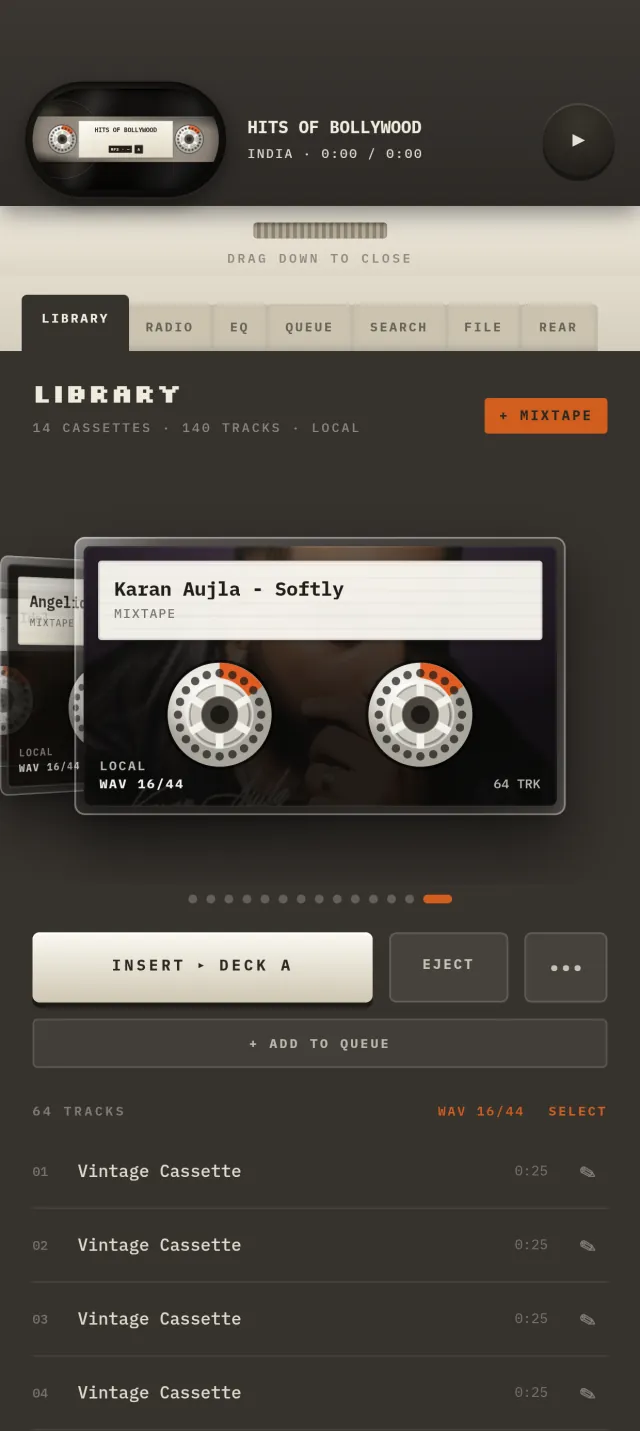
Point Audionix at a music folder on your phone and each subfolder becomes its own cassette. Your audio files never leave the device.
AndroidCassette-Deck UI
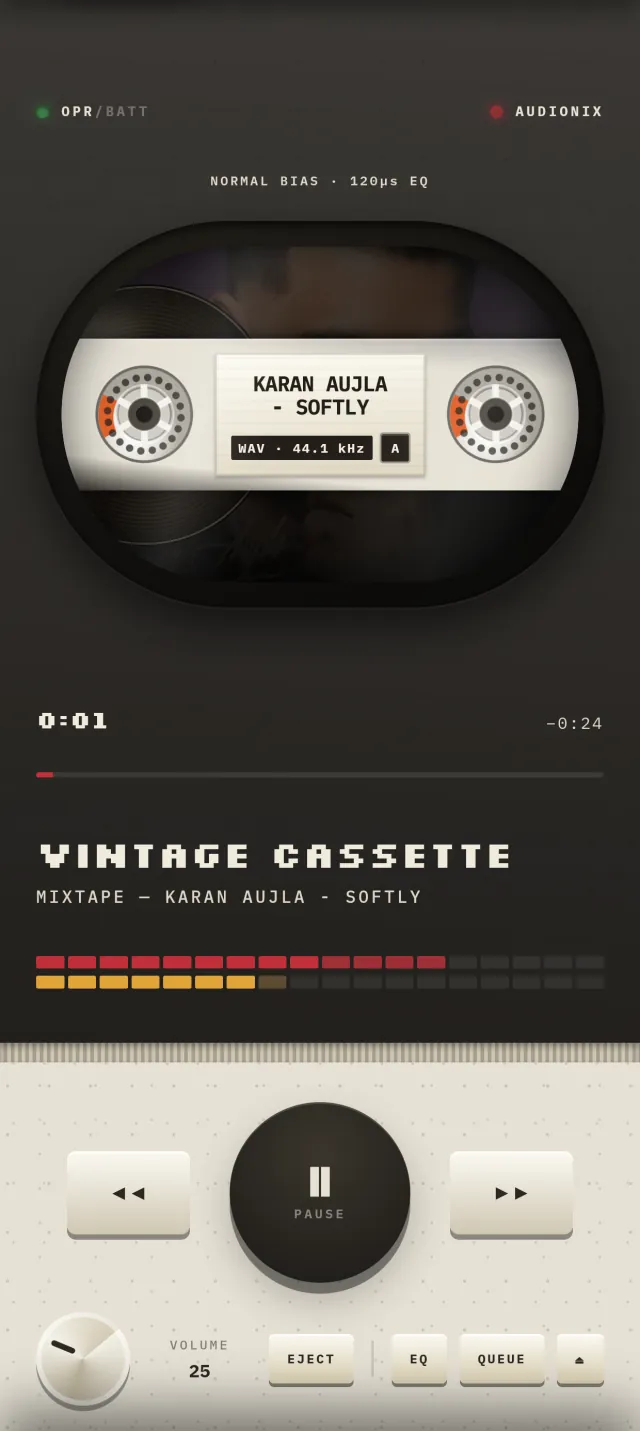
Insert a tape, watch the reels turn, eject when you're done. Every control is modeled on a real deck — down to the DIP switches on the back panel.
Android + iOSCassette View
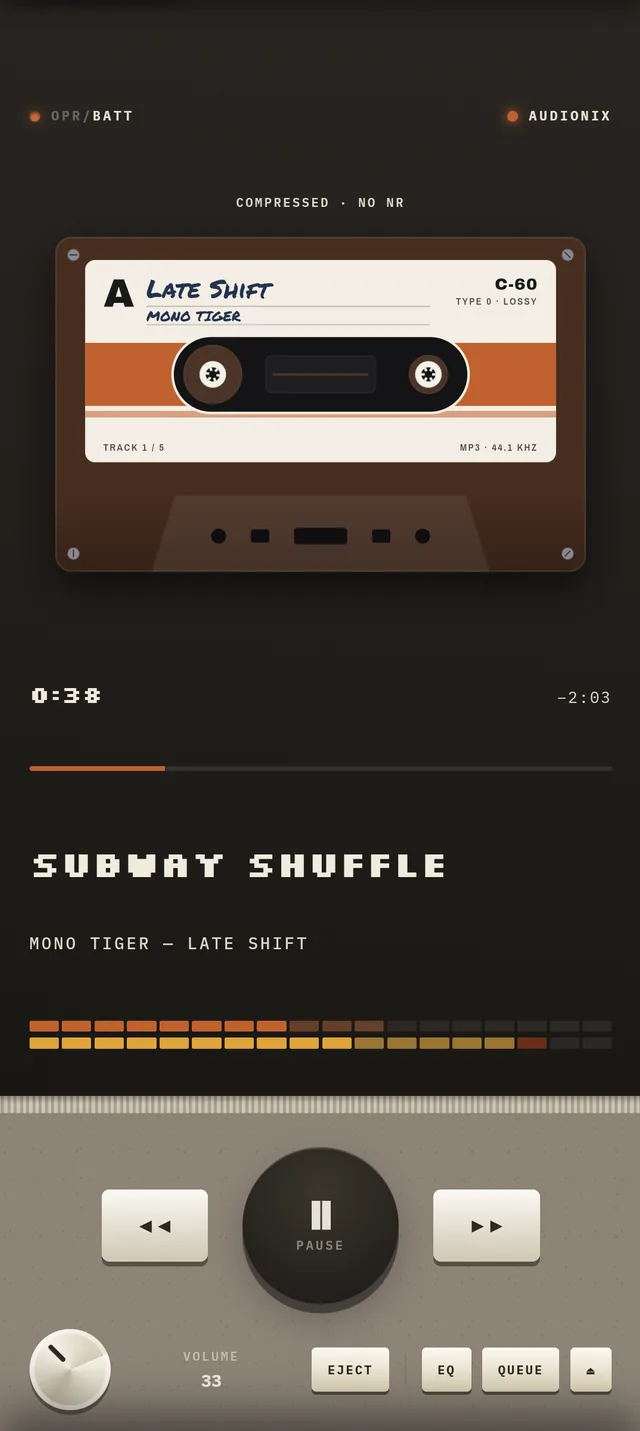
Show the main screen as a full front-facing cassette instead of the deck's window: a handwritten-style label with the title, artist, side and tape length, and reels that turn as it plays. Switch it on from the REAR tab.
AndroidInternet Radio
Browse thousands of live stations by country, powered by the free radio-browser.info directory, and save any of them into your library as a cassette of its own.
Android + iOSMixtapes
Hand-build a tape from any tracks in your library, the way it was meant to be done — one song at a time, labeled the way you want it.
AndroidAuto Cover Art & Tags
Messy filenames or missing artwork? Audionix looks up the artist, album and cover art from Apple's iTunes Search — text only, never your audio. It's on by default; switch it off any time under REAR → Auto online lookups. "Fetch Metadata" runs one pass over your whole library.
Android10-Band EQ & Tape Effects
A 10-band EQ built on Android's hardware audio effects, a tape-style high-frequency lift, and tape hiss and key-click sounds. Hiss and key clicks are on by default and can be turned off from the REAR tab; the high-frequency lift is off by default.
AndroidBlackout Mode
While music plays, the screen fades to black after 5 seconds without a touch and shows only the deck or cassette, in landscape. Tap the screen and the player comes back, every time.
AndroidReal screenshots. Real deck.
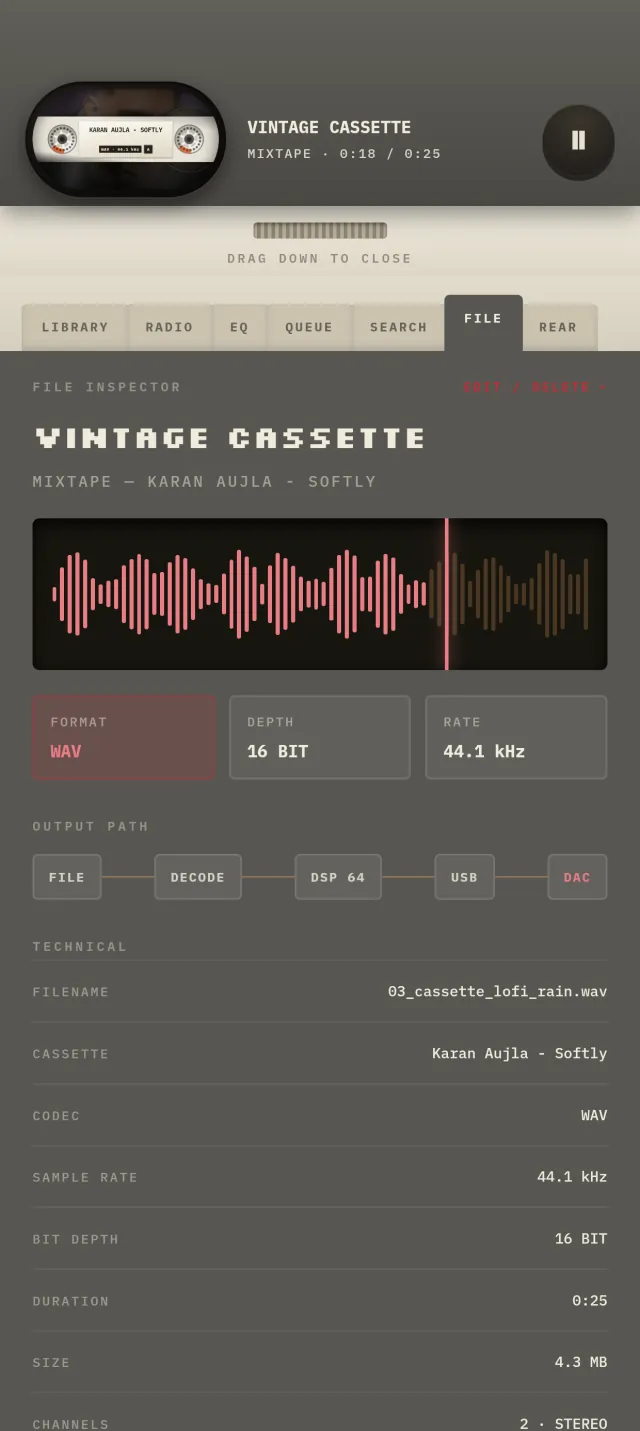
No mockups — these are screenshots of the Android app, shown with demo content.
Pop in a tape.
Audionix is on Google Play for Android now. iOS is coming soon. Get it on Google Play.
- Android — available nowThe full deck: local library, mixtapes, 10-band EQ and internet radio.
- iOS — coming soonLaunches with internet radio only. Local library, mixtapes and EQ are Android-only for now.